Unit 34.1: WordPress Header like wpBeginner
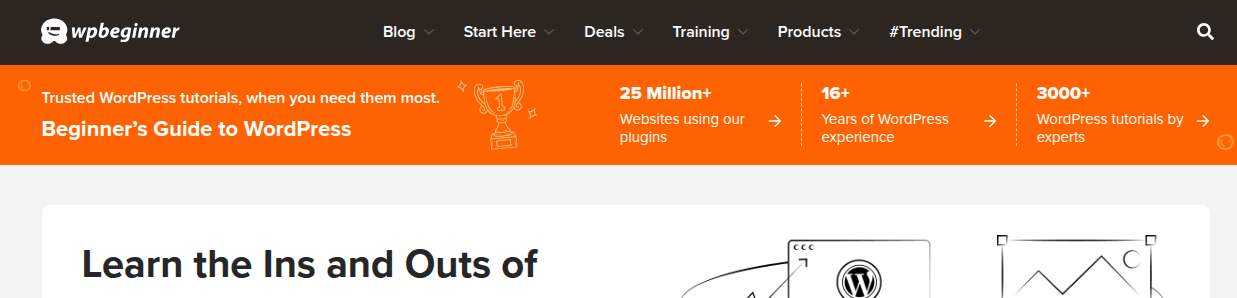
wpBeginner header
Research Links
To create a WordPress header similar to WPBeginner without editing code, you can use drag-and-drop page builder plugins or your theme's built-in header customization options.
Here are the main approaches:
Using a Theme Builder Plugin (Recommended for advanced customization):
Plugins like SeedProd or Elementor (with an add-on like Boostify Header Footer Builder) offer extensive drag-and-drop functionality to design custom headers.
- Install and activate your chosen builder plugin.
- Navigate to the plugin's theme builder or header options in your WordPress dashboard.
- Create a new header template and apply display conditions (e.g., "Entire Site").
- Use the builder's elements (logo, navigation menu, search bar, etc.) to design the layout, style, and make it responsive.
- Many builders also have options to make the header "sticky" on scroll.
Using your Theme's Customizer or Site Editor: Many modern themes, especially those supporting Full Site Editing (FSE), have options in the Appearance > Editor or Appearance > Customize sections.
- Go to Appearance > Editor and select the "Header" template part.
- Use the block editor to add a logo block, site title block, and navigation block.
- Adjust styling like background color, font sizes, and layout to match the WPBeginner style.
Adding Code Snippets: If you only need to insert specific code (like tracking scripts or custom CSS) into the header, you can use the free WPCode plugin (formerly Insert Headers and Footers by WPBeginner) instead of modifying theme files.
- Install and activate WPCode.
- Go to Code Snippets > Header & Footer.
- Paste your code into the "Header" box and save changes.
By utilizing these tools, you can replicate the desired header style without needing advanced coding knowledge.
- GAI: Seedprod Starter Theme – SeedProd's Starter Theme is a minimalist, responsive WordPress framework designed to be customized without code using their drag-and-drop Theme Builder. It serves as a foundation, including pre-built templates for headers, footers, single posts, and WooCommerce pages. The theme emphasizes speed, ease of use, and full visual control for designing custom WordPress sites………more
- Seedprod Documentation
- WordPress.org: Website Builder by SeedProd — Theme Builder, Landing Page Builder, Coming Soon Page, Maintenance Mode
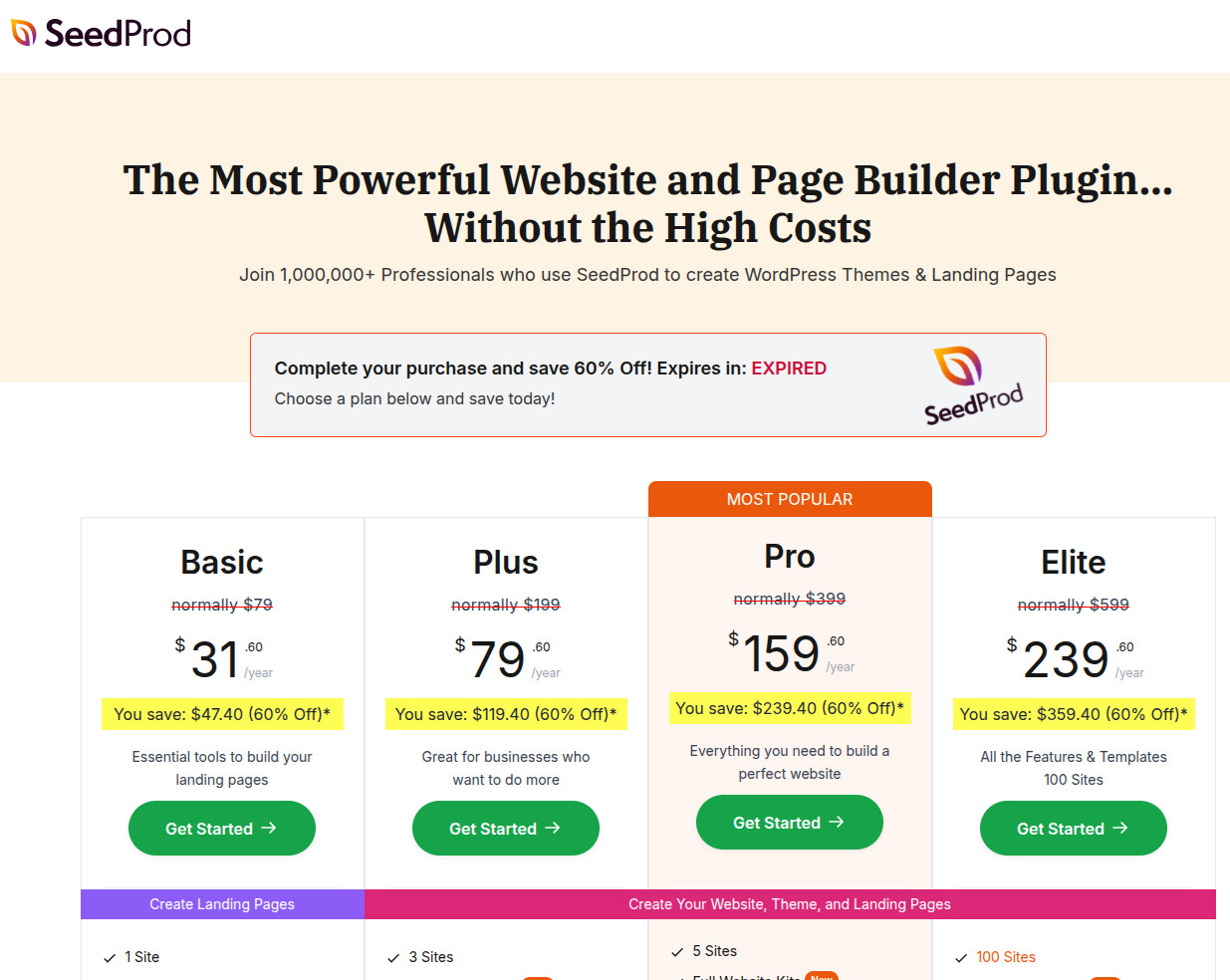
- Seedprod pricing
ZUZDi6
test