Rocket.Chat FOSS Install & Reverse-Proxy Guide
This is a rocketchat document. Good to review and compare with my own efforts and results.
Oliver Heavisides Formulation of Maxwells Equations
Research Links GAI: heaviside's paper on the formulation of maxwell's equations G: oliver heaviside's original work pdf Archive.org: Electromagnetic theory by Heaviside, Oliver, 1850-1925 LocalCopy: Electromagnetic theory by Heaviside, Oliver, 1850-1925 Internet Library: Open Library: Oliver Heaviside work
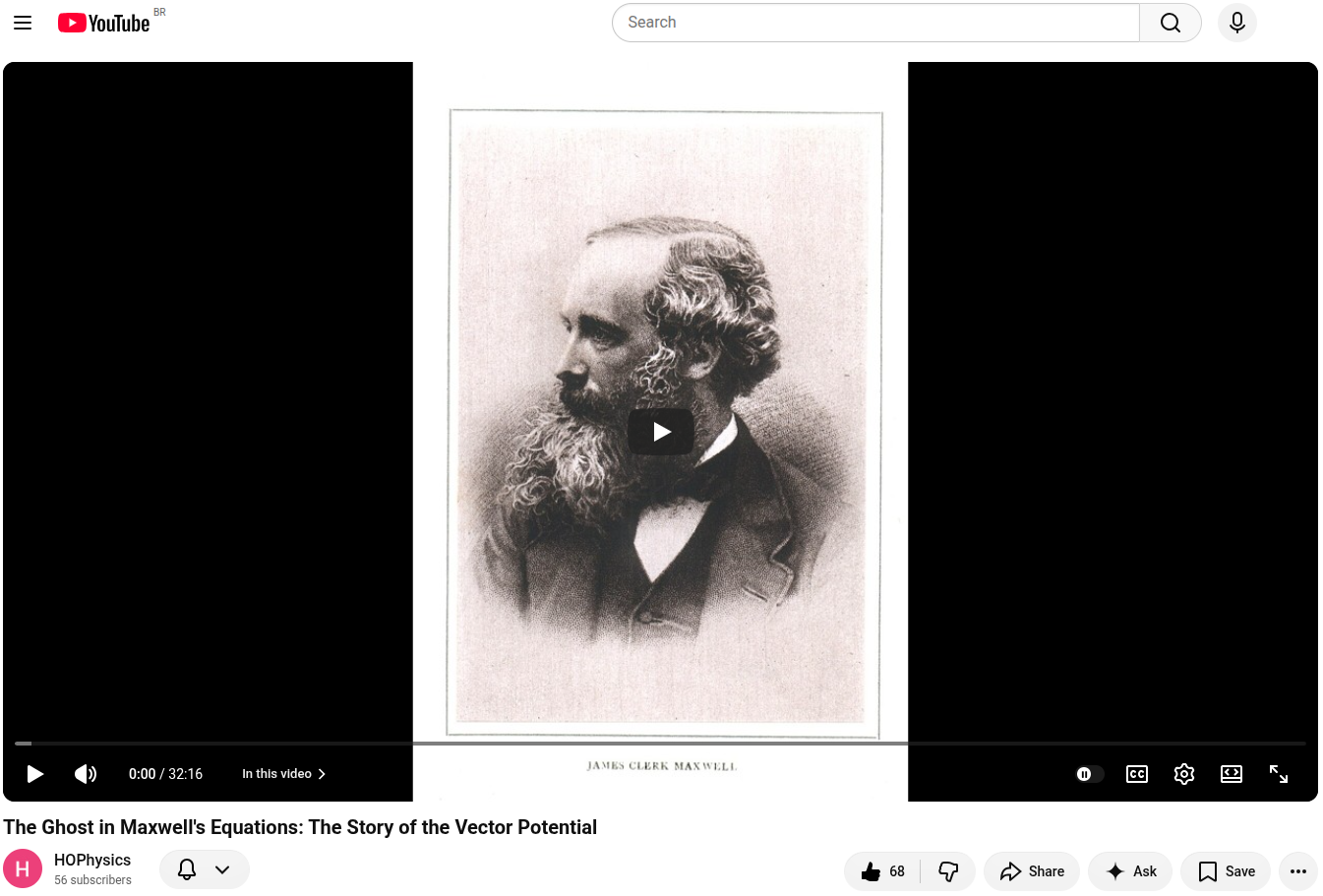
The Ghost in Maxwell’s Equations: The Story of the Vector Potential
Summary
This video explores the historical and theoretical evolution of the vector potential () in electromagnetism, tracing its journey from a core concept in James Clerk Maxwell's original theory to its modern status as a foundation of gauge theory.
- Maxwell’s Original Formulation (01:06 – 11:27): In 1865, Maxwell introduced his electromagnetic field theory using 20 equations. At the heart of this system was the vector potential, which he viewed as a form of mechanical momentum or inertia within the electromagnetic field.
- Heaviside’s Simplification (11:28 – 17:49): Engineer Oliver Heaviside, unsatisfied with the complexity of quaternions and Maxwell's 20 equations, developed the 3D vector calculus we use today. In doing so, he removed the potential functions, viewing them as mathematical "ghosts" that were not directly measurable. This left us with the four elegant Maxwell equations standard in physics education.
- Relativity and Lorentz Invariance (17:50 – 26:49): As physicists sought to reconcile electromagnetism with Einstein's Special Relativity, it became clear that electric and magnetic fields are not independent entities but components of a single unified field. To maintain Lorentz invariance (the consistency of physical laws across reference frames), the vector potential had to be reintroduced as a 4-vector.
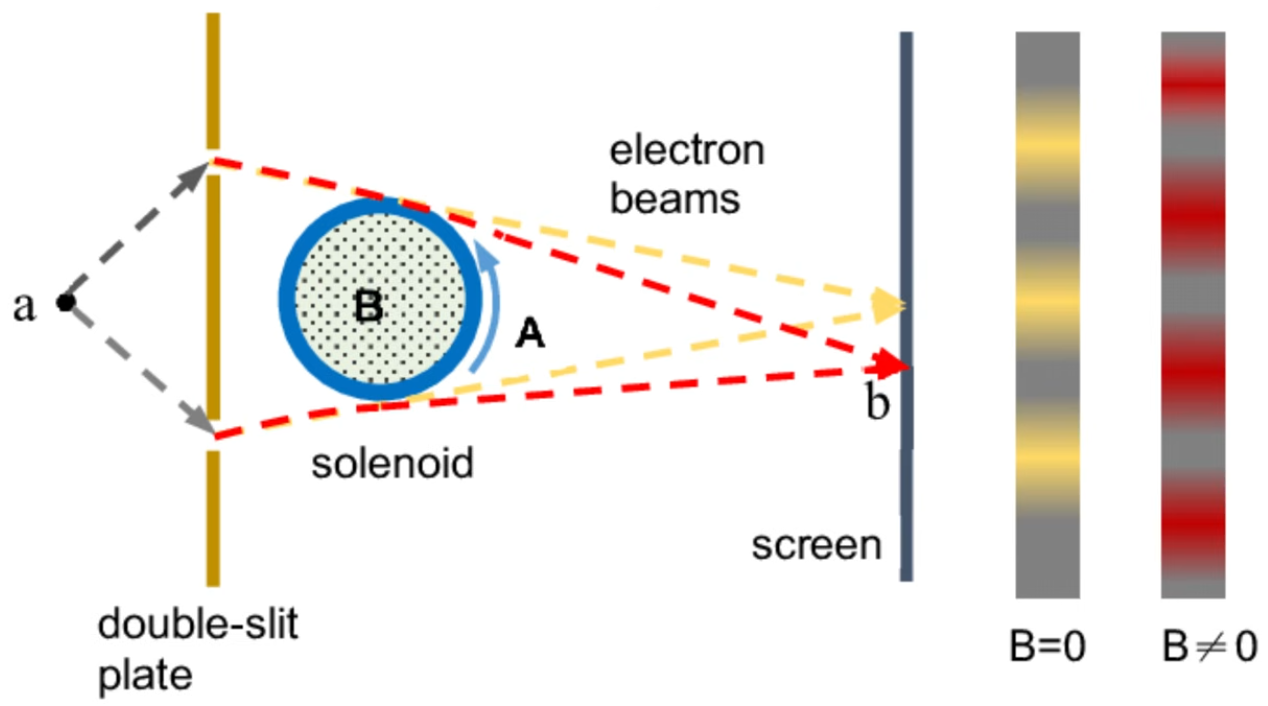
- The Quantum Resurgence (26:50 – 32:17): The final vindication of the vector potential arrived through quantum mechanics. The Aharonov-Bohm effect (29:56) proved that electrons can be physically influenced by the vector potential in regions where no classical electric or magnetic fields exist. This confirmed that the potential is not just a mathematical tool, but a fundamental feature of the universe that defines gauge symmetries in the Standard Model.


History of Columbiana County Ohio
East Liverpool, Ohio : The city formerly powered by Free Energy
Research Links
Turning Off Hard to Read Terminal Colors in Ubuntu Linux

Step 4: Force white text in the terminal profile
In GNOME Terminal:
- Open Terminal → Preferences
- Select your profile (usually "Unnamed")
- Go to the Colors tab
- Uncheck Use colors from system theme
- Uncheck Use transparent background (if set)
-
Under Text and Background Color, uncheck Use colors from system theme and set:
- Text color: white
- Background color: black (or your preference)
- Under Palette, set all 16 palette colors to white — this overrides any remaining ANSI color codes from programs that ignore your shell settings
Mr Ketchup Likes Alex Christoferous Walk and Talks
Links:
Video in entry. Does not work in previews.