Ubuntu Linux How to Remove Repositories from Deleted Removed Software being Updated by Apt Update
How I arrived at the problem
- Used NAPS2 to do scanning using an old Microtek 4900 scanner. It worked with windows.
- Switched to Ubuntu Linux ( Windows 11 insufferable )
- I tried using NAPS2 to run a Microtek scanner but it did not support that model under Linux. Installed NAPS2 and it did not work
- Removed NAPS2
- Every time I did a repository update: sudo apt update – I was flagged with a problem updating the NAPS2 repository
- Since NAPS2 had been de-installed I wanted to remove the repository from the list of things that would be updated by apt update
- Standard explanation to use "Software & Updates" list by unchecking the item did not apply because download.naps2.stuff was not in the list
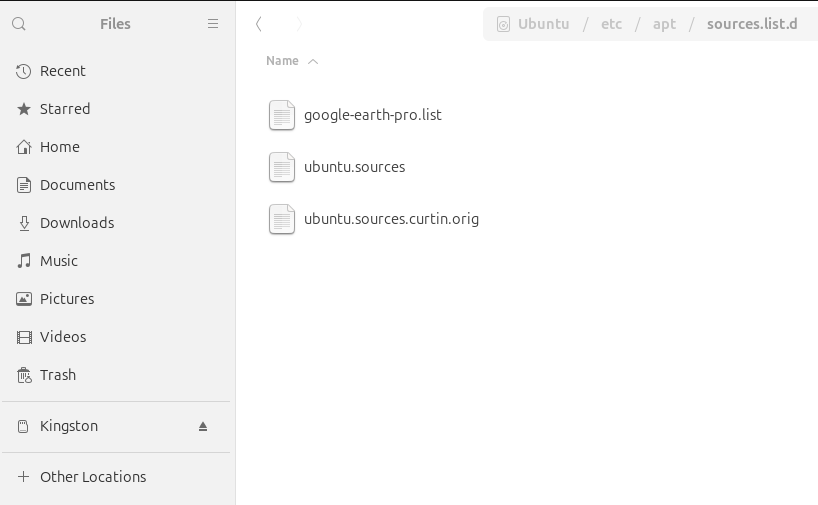
- Solution: Went to the directory shown below and deleted the NAPS2 file.
- sudo apt update –> no longer showed the repository error.
Which leads into the next set of gripes: ( have not executed / tested this process yet )
- G: repository can not be updated legacy keyring
- AskUbuntu: apt-key deprecation warning when updating system: "Key is stored in legacy trusted.gpg keyring" – this shows the steps to bring the keys into the newer form.
Additional Errors Seen
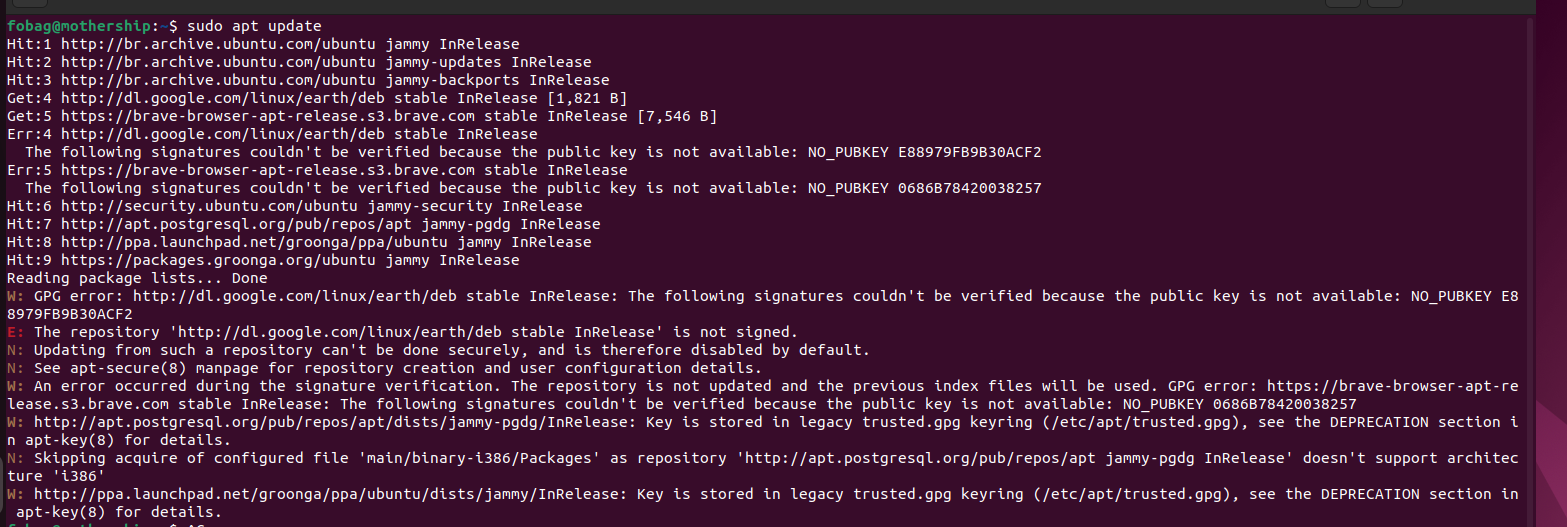
- The following signatures couldn't be verified because the public key is not available
- doesn't support architecture 'i386'
Errors flagged by sudo apt update